A mouse is a small purchase that you may use for hours every day. Instead of starting with the biggest feature list, check your computer’s available connections, your desk space and the shape you prefer. That quickly narrows the options.
THE QUICK ANSWER
Before you buy
Confirm the connection before buying. A wireless mouse may use Bluetooth, a USB receiver or both; the word “wireless” alone does not tell you which.
Match the connection to your computer
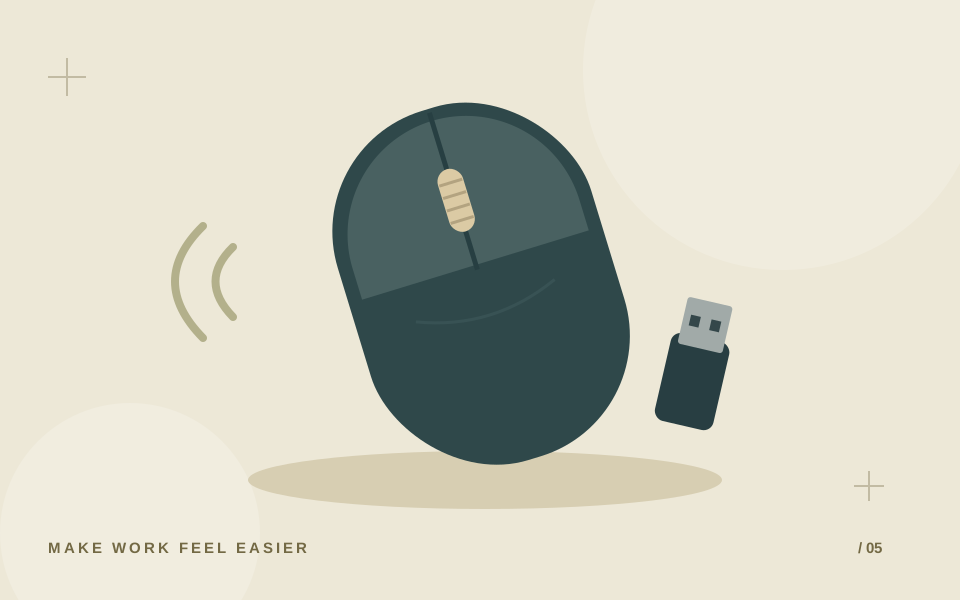
Look at your computer’s ports and supported wireless connections. A receiver-based mouse needs its compatible receiver and a suitable USB port. A Bluetooth model needs compatible Bluetooth support. Some models support more than one method, but that should be confirmed in the specification.
Logitech’s setup guidance separates Bluetooth and receiver connections. When buying a particular mouse, follow its own setup guide and check whether the necessary receiver is included. Do not assume a spare receiver from another model will work.
Choose a shape for your routine
Compare the dimensions with a mouse you already find comfortable. A small travel mouse may be convenient in a bag, while a different shape may suit your main desk. Hand size, grip preference and available space are personal, so a “comfortable” label cannot settle the choice for everyone.
Check whether the shape and side buttons suit the hand you use. If possible, examine the product from above and from the side. This makes the overall shape easier to judge than a single angled photograph.
Focus on controls you actually use
For everyday documents and browsing, start with reliable basic controls and a scroll wheel that fits your needs. If extra buttons matter, check whether the functions you want require software and whether that software supports your operating system.
For shared workspaces or classes, look for a documented quiet-click feature if noise matters to you. For specialised uses such as gaming, ask about the exact model’s relevant performance specifications rather than treating an office mouse’s title as evidence.
Check power and package contents
Confirm whether the mouse uses replaceable batteries or charging, and whether the battery or charging cable is included. For a receiver model, check how the receiver is stored when travelling. Keep the model name and setup instructions for later pairing or troubleshooting.
- Connection works with your laptop or desktop.
- Required receiver is included and fits an available port.
- Dimensions and button layout suit your hand.
- Power source and included accessories are clear.
- Software requirements and warranty terms are understood.
Common questions
Are all wireless mice Bluetooth?
No. Some use a USB receiver, some use Bluetooth, and some offer both. Check the exact model before ordering.
Can I replace a lost receiver with any USB receiver?
Do not assume compatibility. Check the manufacturer’s guidance for the specific mouse and supported replacement receiver.
Further reading
Manufacturer and standards guidance used for the explanations above.
Was this guide useful?
One like per browser. Tap again to remove it.