When comparing keyboard prices in Sri Lanka, it helps to begin with the work you do every day. Writing assignments, entering figures and carrying a laptop between locations can lead to different choices. A keyboard should fit your computer and your workspace before its extra features become a deciding factor.
THE QUICK ANSWER
Before you buy
Choose a layout for your tasks, measure the desk space, and confirm the connection. “Wireless” does not automatically mean Bluetooth, and a USB charging socket does not by itself confirm wired typing.
Start with the keys you use most
Make a note of the tasks you repeat: writing, entering figures, using shortcuts or navigating documents. If you enter numbers frequently, compare the convenience of a dedicated number pad. If desk space is limited, compare a more compact layout with the mouse space it leaves available.
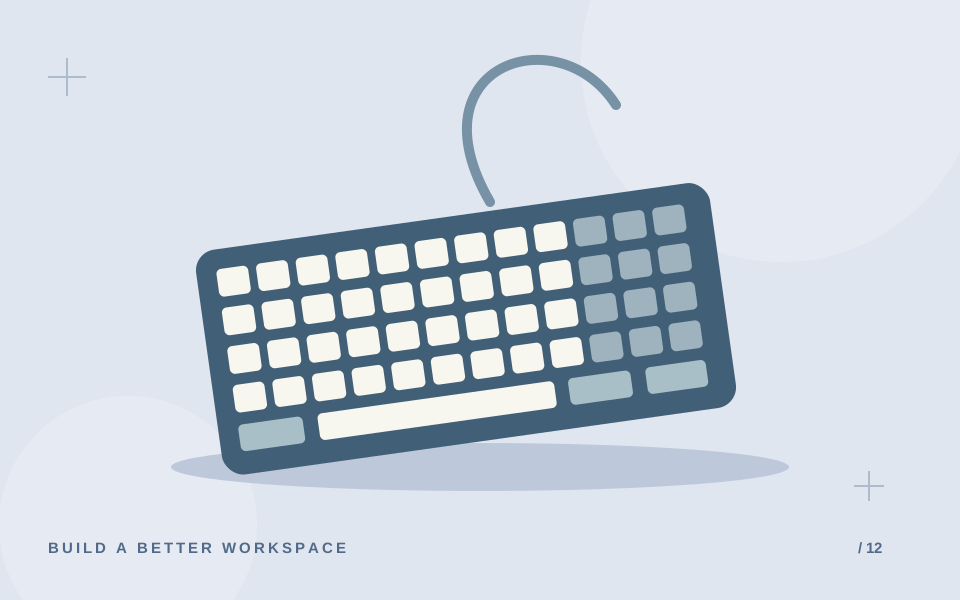
Look closely at the actual key layout in the product photographs. Check Enter, Shift, arrow keys, function keys and any keys you use for shortcuts. Two keyboards described as “full size” can still have layout differences that matter to your routine.
Choose the connection for your computer
For a wired keyboard, check the connector and whether it fits an available port. For a wireless model, identify whether it uses Bluetooth, a compatible USB receiver or offers more than one connection method. Confirm whether the receiver is included; do not assume one from an unrelated keyboard or mouse will work.
Logitech’s setup documentation, for example, describes Bluetooth and receiver setup as separate paths. Apply the same habit of checking the exact connection instructions to any model you consider. If a rechargeable keyboard has a USB port, check whether that port supports typing over a cable or only charging.
Measure the whole working area
Measure the space for the keyboard and the mouse together, not just the keyboard’s width. Include the laptop stand or monitor arrangement, the desk edge and the route for a wired cable. A product that fits on paper can still leave an awkwardly small area for the mouse.
For a keyboard carried in a bag, compare width, depth, weight and how you will protect the keys while travelling. For a permanent desk, the position of frequently used controls may deserve more attention than portability. These are personal layout choices, not a reason to assume one keyboard shape suits everyone.
Check key feel and software expectations
If possible, try typing a short familiar paragraph on the exact model. Pay attention to key spacing, the sound you find acceptable and whether common shortcuts feel natural. A decorative lighting feature does not tell you whether you will enjoy typing on the keyboard.
If special buttons, remapping or lighting controls matter, check the supported operating systems and whether software is required. Confirm the layout labels for your computer as well. For Sinhala or Tamil typing, ask about the input method you use and any physical key labels you need rather than expecting an ordinary product title to answer both.
Compare what is included and what you will maintain
For wireless models, confirm whether the keyboard uses replaceable batteries or charging and what is supplied. Check receiver storage if you travel. For wired models, check cable length and whether an adapter is necessary for your computer.
- Layout fits your documents, figures and shortcuts.
- Dimensions leave enough room for your mouse.
- Connection method and supported operating system are clear.
- Receiver, battery, cable or required adapter is accounted for.
- Current warranty terms and total cost have been compared.
Common questions
Is a wired or wireless keyboard better for studying?
Choose for the setup. A wired model needs a suitable port and cable route; a wireless model needs a supported connection and a power arrangement. Compare the layouts and package contents after those requirements are clear.
Should I choose a compact keyboard or one with a number pad?
If you enter figures often, a number pad may be useful. If space or portability matters more, compare a compact layout and make sure your frequently used keys remain convenient.
Further reading
Manufacturer and standards guidance used for the explanations above.
Was this guide useful?
One like per browser. Tap again to remove it.