The easiest cable buying mistake is checking only the end that goes into the phone. Your wall charger, power bank or computer has a connector too. A good cable shortlist starts with those two connections and the place where you will use the cable.
THE QUICK ANSWER
Before you buy
Match both ends first. Then check the stated charging and data capabilities separately, and choose a length that suits your setup.
Name both connectors
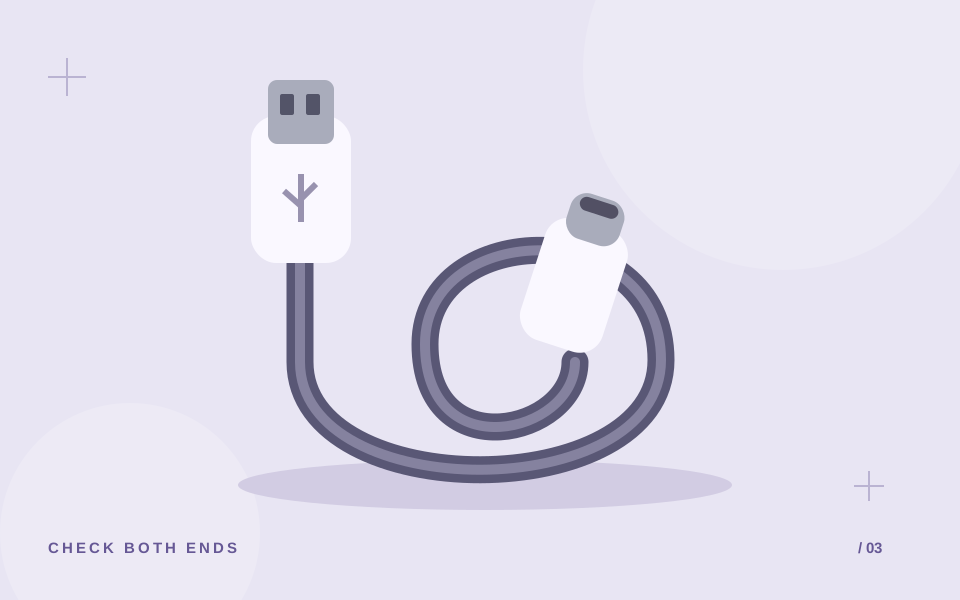
Make a note of the port on your device and the port on your adapter or computer. Product names often shorten these combinations: A–C usually means USB-A to USB-C, C–C means USB-C to USB-C, and C–Lightning means USB-C to Lightning. Check the actual product specification and photographs rather than relying on the abbreviation alone.
If you are buying for someone else, ask for their device model and a photograph of the existing charger port. That is more useful than guessing from the brand name. Keep those details with your shortlist so that similar-looking options do not get mixed up.
Decide whether you need data as well as charging
A charging purchase and a data-transfer purchase are different decisions. If you want to move files to a computer, check the stated data capability. If you want a display connection or another specialised feature, look for that specific feature in the cable and both connected devices. Do not infer it from the connector shape.
When a product page does not specify a data speed or display feature, leave it unconfirmed. Ask for the exact model’s documentation. A higher price or thicker-looking cable does not answer that question.
Choose a useful length
Measure the distance from your normal charging point to where the device rests, leaving enough room that the connector is not pulled tight. A desk setup may suit a shorter cable; a bedside socket farther away may call for a longer one. Check the actual length in the listing before buying.
Think about storage too. A cable kept in a small pouch should be easy to pack without forcing a sharp bend at the connector. Choose for your routine rather than assuming the longest option is always the most convenient.
Read the rating as part of the whole setup
If fast charging is your goal, match the cable with the charger and the phone manufacturer’s guidance. A wattage printed on the cable is not a promise that every connected phone will charge at that rate. Compare the complete setup.
- Device end and adapter end both match.
- Cable length fits your desk, bag or bedside.
- Required charging capability is documented.
- Data or display features are explicitly listed if needed.
- The exact cable and package contents are clear.
Common questions
Can I buy by phone brand alone?
Use the exact device model and charger port instead. Brand names are not enough to identify both ends of the cable.
What if the product page does not mention data transfer?
Ask for the model-specific data specification before buying it for file transfer. Treat an unlisted capability as unconfirmed.
Was this guide useful?
One like per browser. Tap again to remove it.